Opening a Position
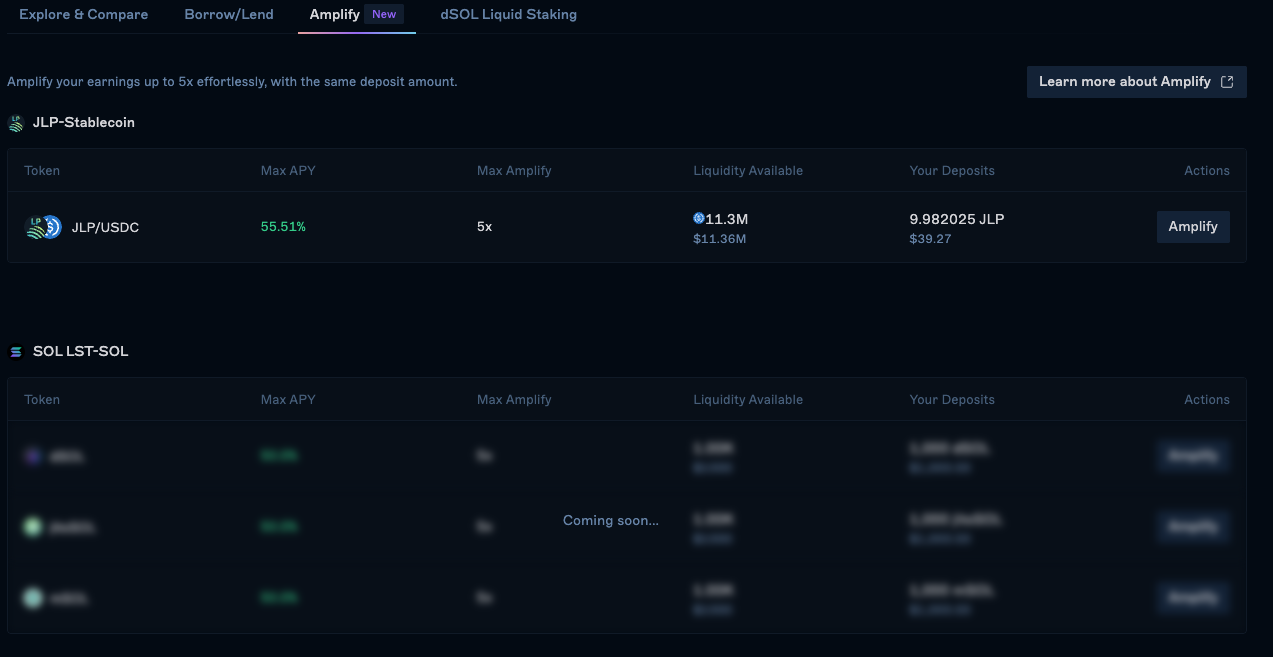
Navigate to Amplify
Go to velocity.exchange/earn/amplify and choose your desired market.
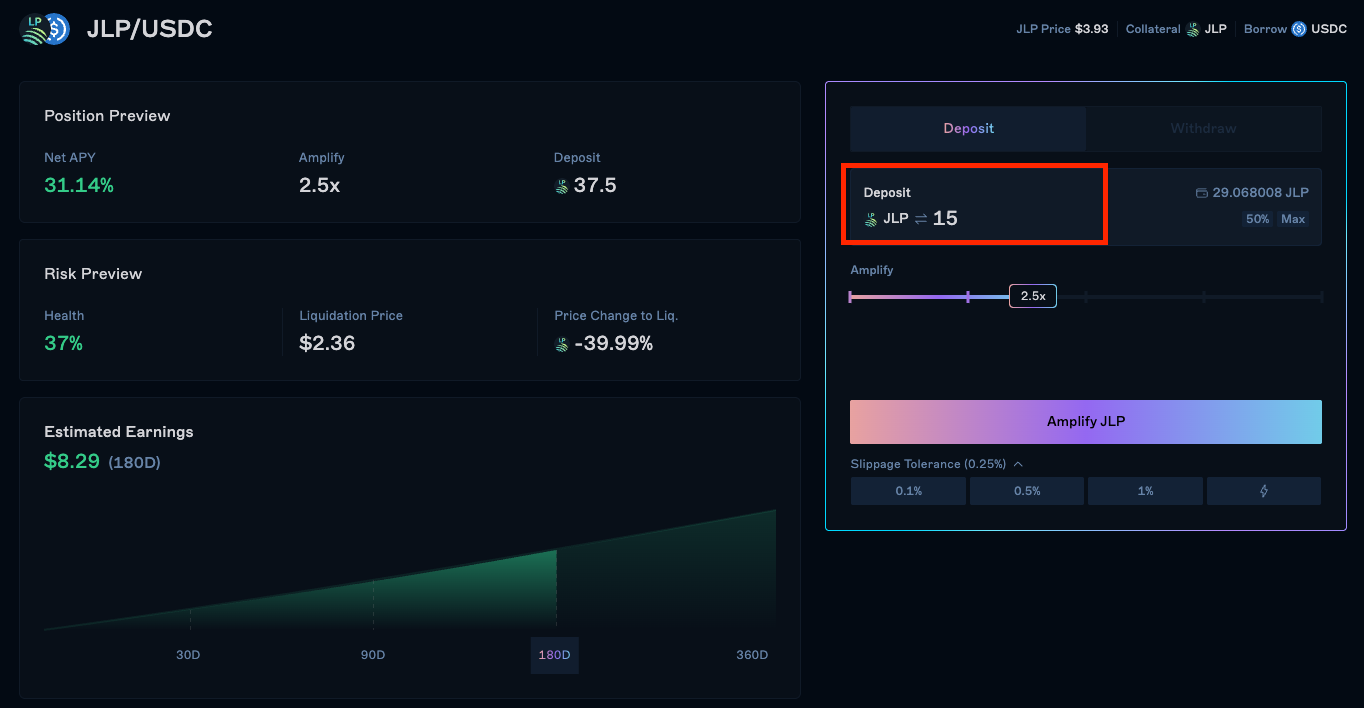
Select leverage ratio and amount
Select your desired leverage ratio and input the amount of collateral you want to deposit.
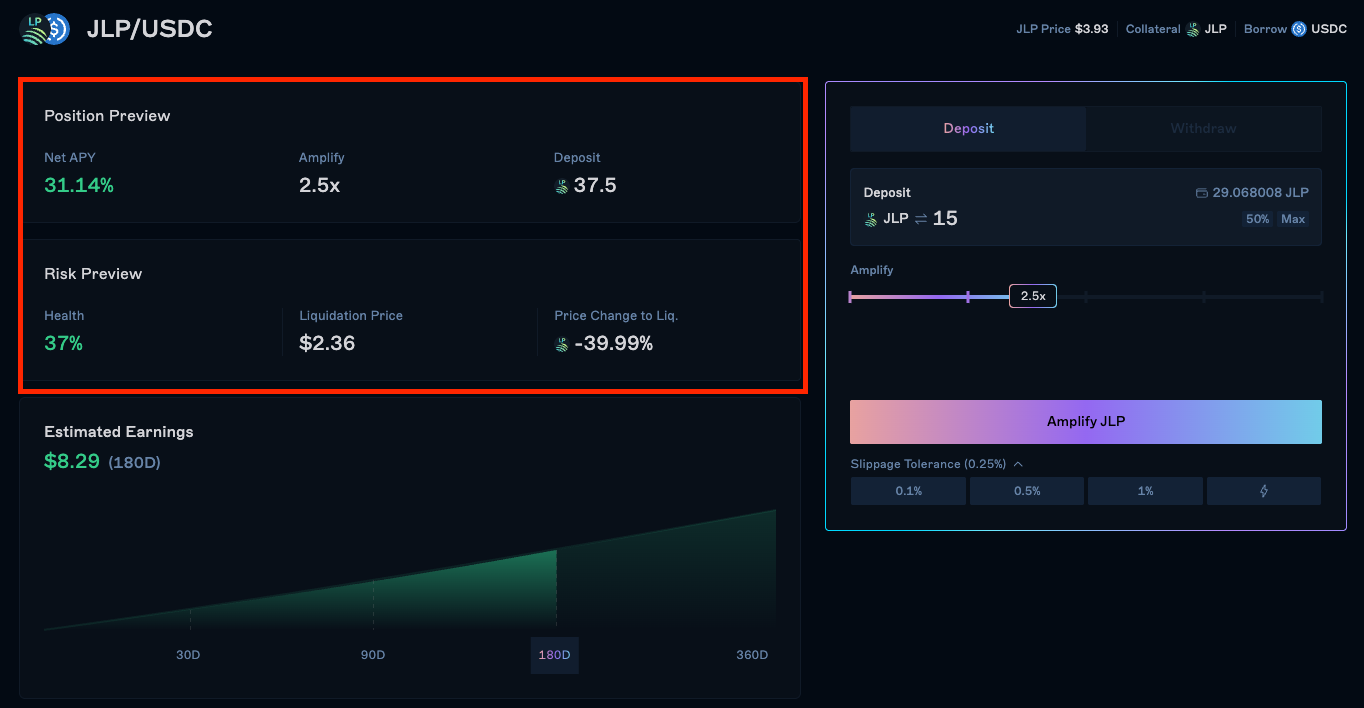
Review
Review your position details and confirm the transaction.
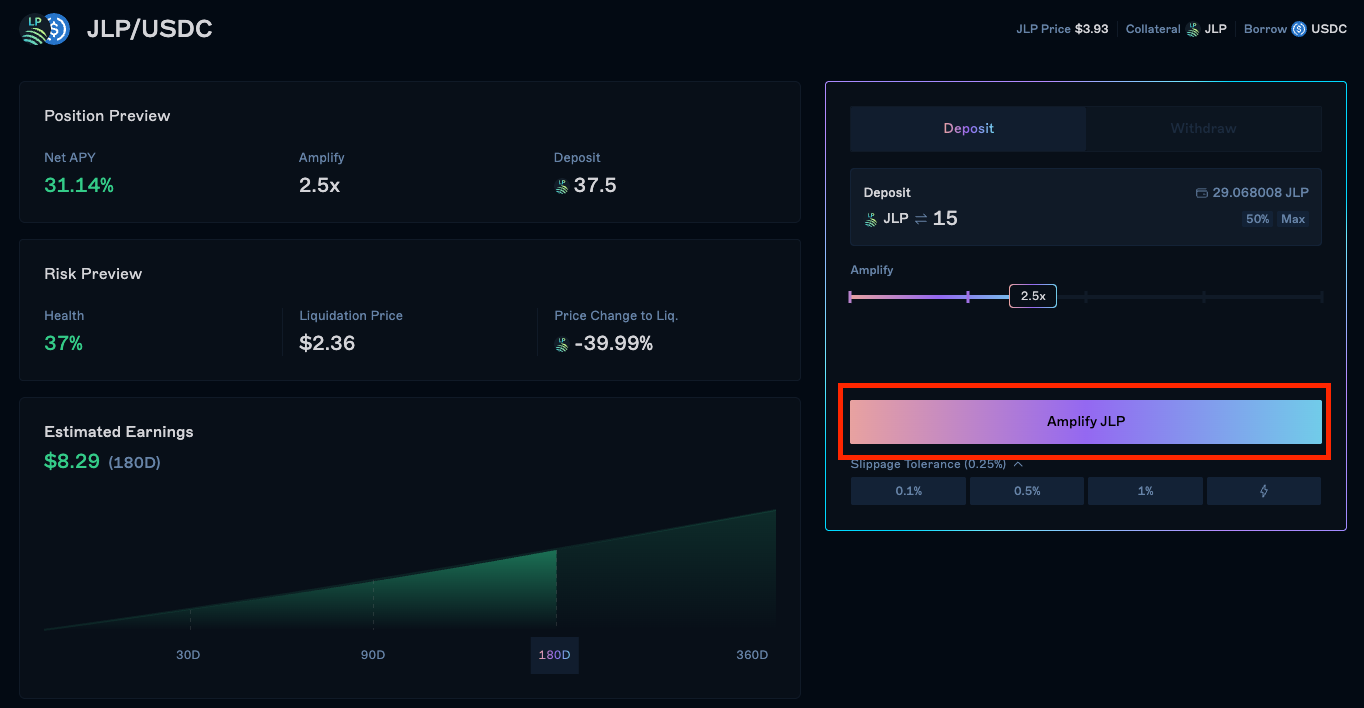
Confirm
Once confirmed, your position will be opened and you can monitor it in the Positions tab.
Last updated on